
PHONE > HOTSPOT > CAR BROWSER
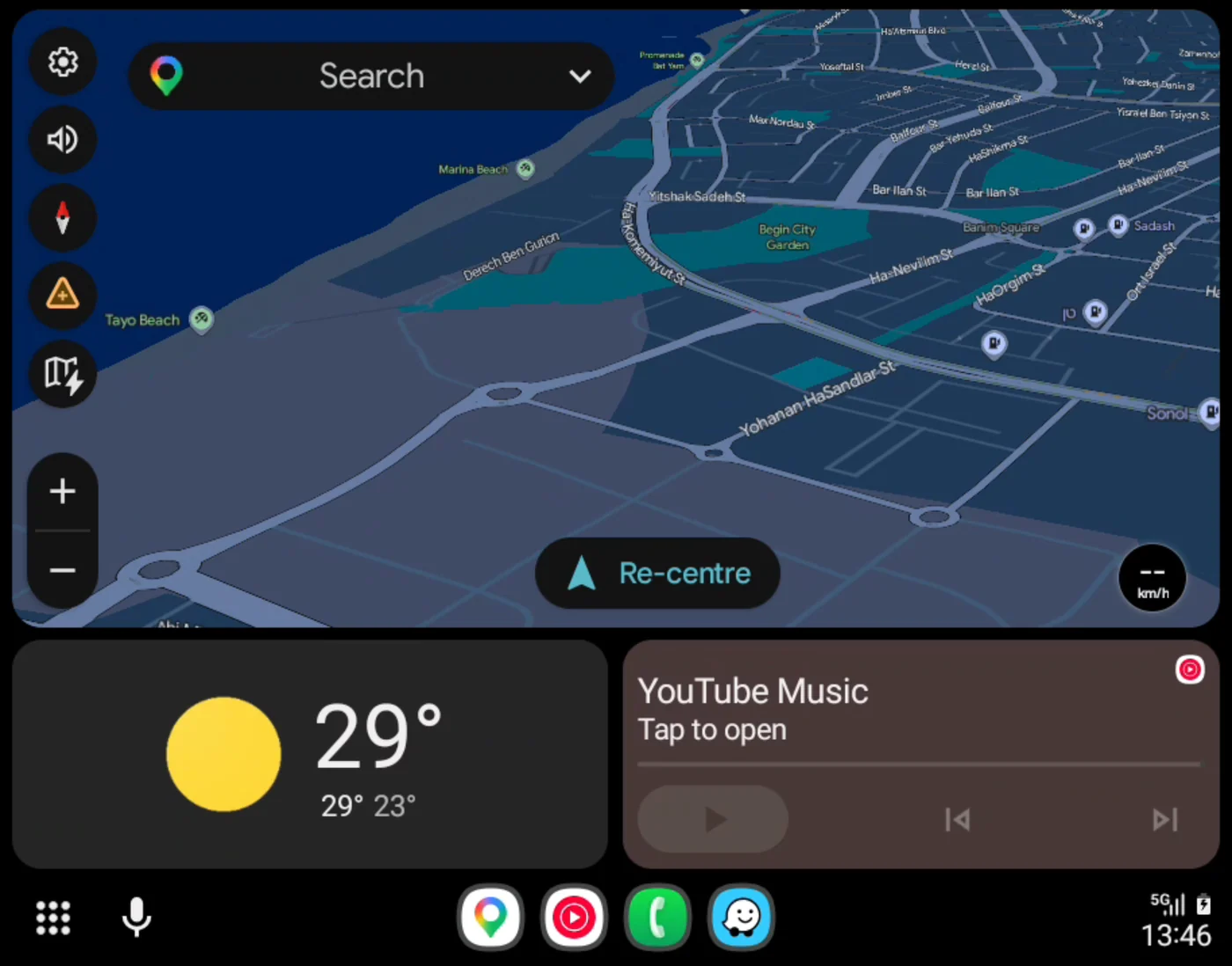
Android Auto, in your car's browser.
Your phone streams it over its own hotspot. No dongle, no cable, and free.

ANDROID 10+ . BUILT FOR TESLA
HOW IT WORKS
Three steps, no extra hardware
- 01
Your phone runs Android Auto
Just as if it were plugged into a car, with the navigation and music apps you already use.
- 02
Its own hotspot carries it
The car joins your phone's Wi-Fi hotspot. No dongle, no cable and no cloud service in between.
- 03
The car's browser shows it
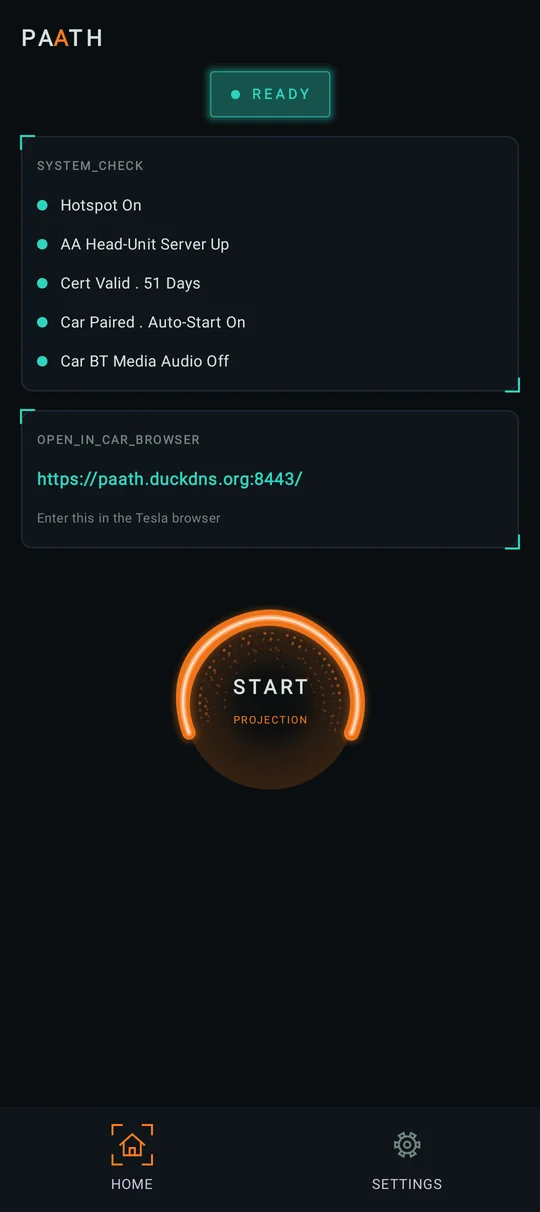
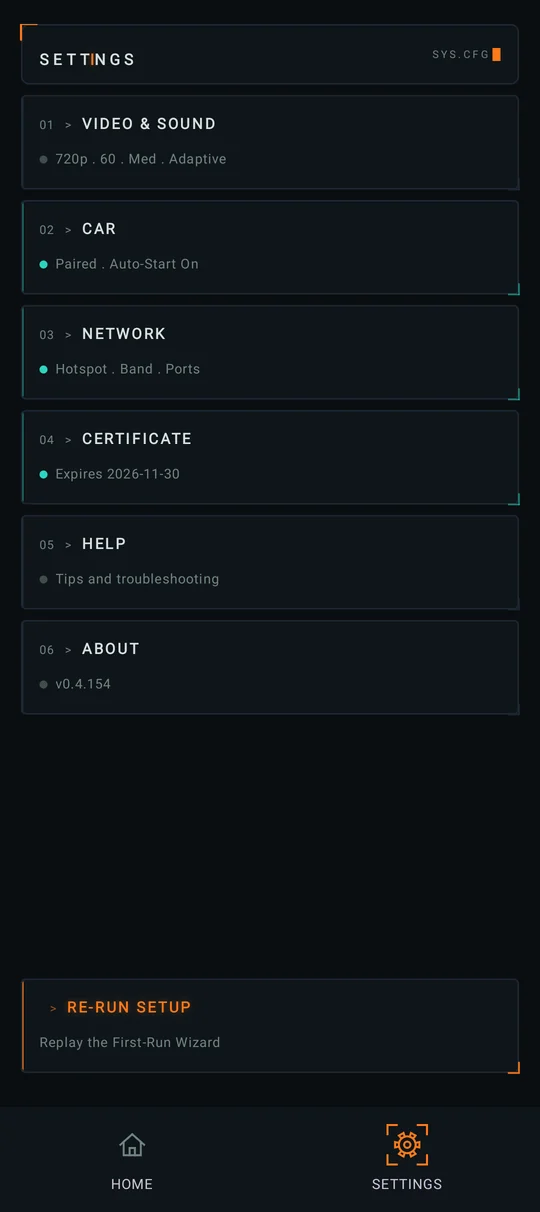
Picture, sound and touch, on the car's own screen. Open the address PAATH shows once, and it is there.
SEE IT
What you get
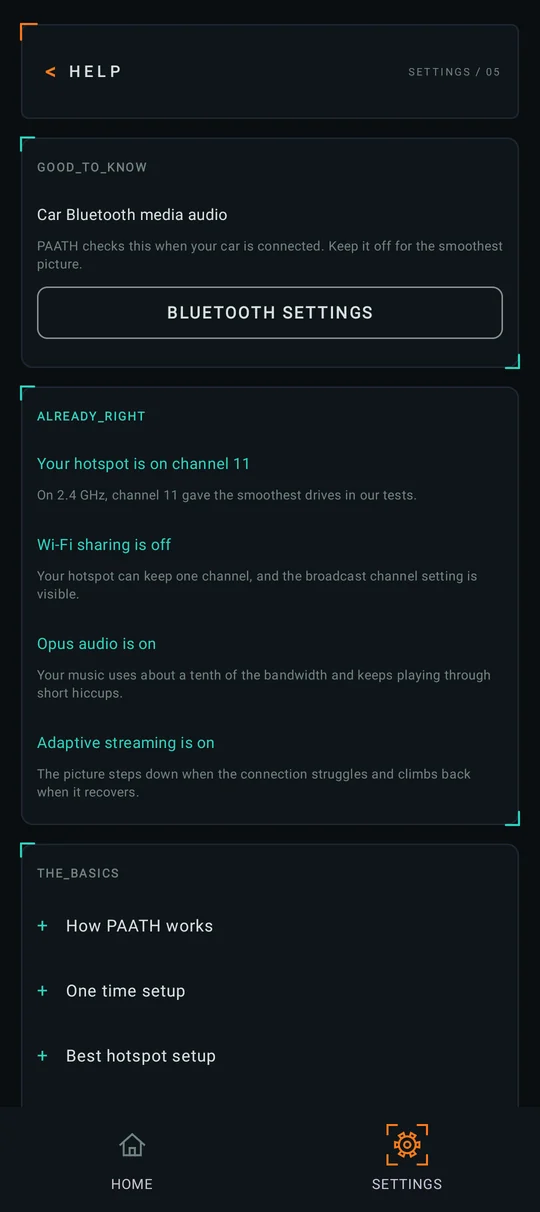
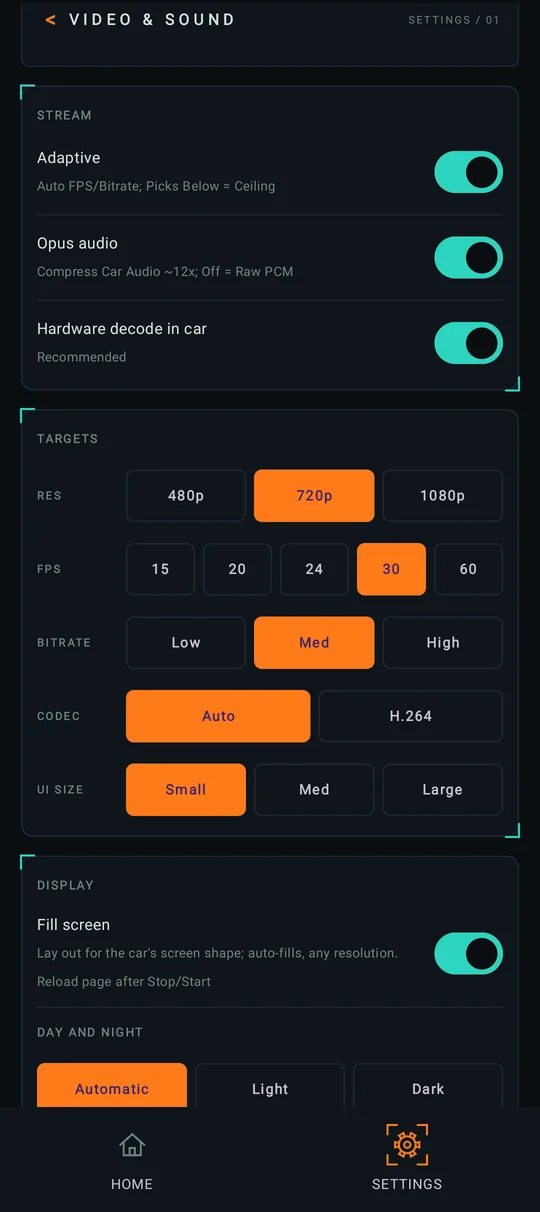
Screens from a phone running PAATH.
WHAT YOU NEED
Before you start
Android 10 or newer
On the phone that rides in the car with you.
Android Auto
With its developer setting Start head unit server turned on. PAATH shows you how.
A Wi-Fi hotspot
On your phone, with mobile data on. The car leaves a hotspot that has no internet.
A car with a browser
Any modern web browser. Designed and tested for Tesla.
The step by step setup is on the Help page.
OPTIONAL
Hands-free, if you like
Pair your car
PAATH starts when you get in. Turn on Stop when I leave the car and it also stops about 25 seconds after you go.
Hotspot on its own
With the free Shizuku app, PAATH turns your hotspot on when the car connects. With Stop when I leave the car on, it turns it off again when you leave.
PRIVACY
Nothing you do in PAATH leaves your phone
- The stream stays on your phone's own hotspot, between the phone and the car's browser. No cloud.
- No account, no analytics, no ads and no tracking.
- A diagnostic log reaches the developer only if you choose to send it.